Scan & Cook
300 recipes, one scan away
A QR recipe book for the kitchen—choose a dish, scan the code, watch the tutorial, and cook along on the counter or the TV.
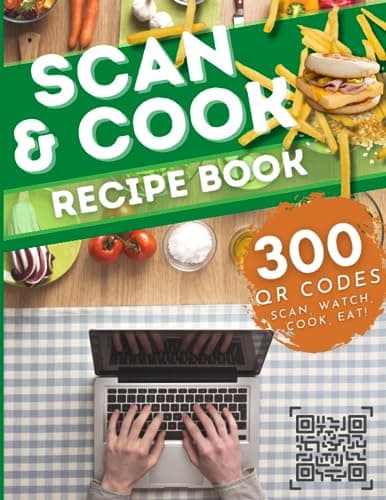
Tap the cover to see the recipe list
How it works
Three quick steps.
- 1
Choose a recipe
Use the table of contents—organized by section—to find a dish you want to cook.
- 2
Scan with your phone or tablet
Open the camera or a QR reader. Each code opens a recipe page with the cooking video embedded—stay on the page and cook along.
- 3
Cast to your TV
Fullscreen, screenshare, or Chromecast so you can follow along with hands free at the stove.
Why Scan & Cook
Video guidance without juggling a laptop in a flour-dusted kitchen.
- 300 recipe pages with embedded cooking videos
- Table of contents organized by section
- Scan on phone or tablet; cast to a kitchen TV
- Comfort food through international dishes—learn techniques as you go
FAQ
- Is this a traditional printed recipe book?
- It is a QR companion: each code opens a recipe page with the cooking video embedded so you can watch techniques instead of only reading steps.
- Do I need a special app?
- No. Use your phone or tablet camera, then cast or screen-share to a bigger screen if you want.
- What if a link breaks?
- Recipe pages live on this site, so a moved video can be updated without a new printing. Newer printings also refresh the printed codes.
Ready to cook?
Get Scan & Cook on Amazon and keep 300 video recipes within arm’s reach of the stove.